Showing posts with label XAMPP. Show all posts

Thursday, August 26, 2021

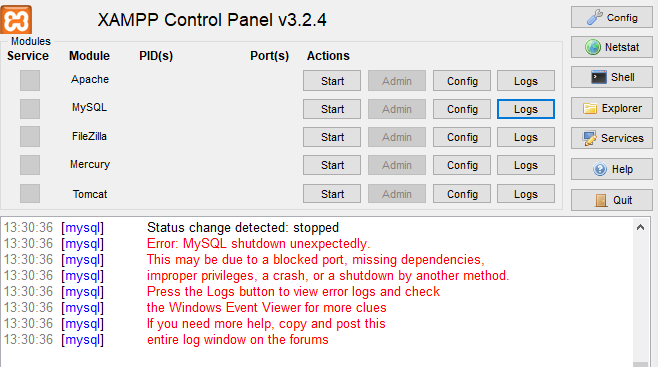
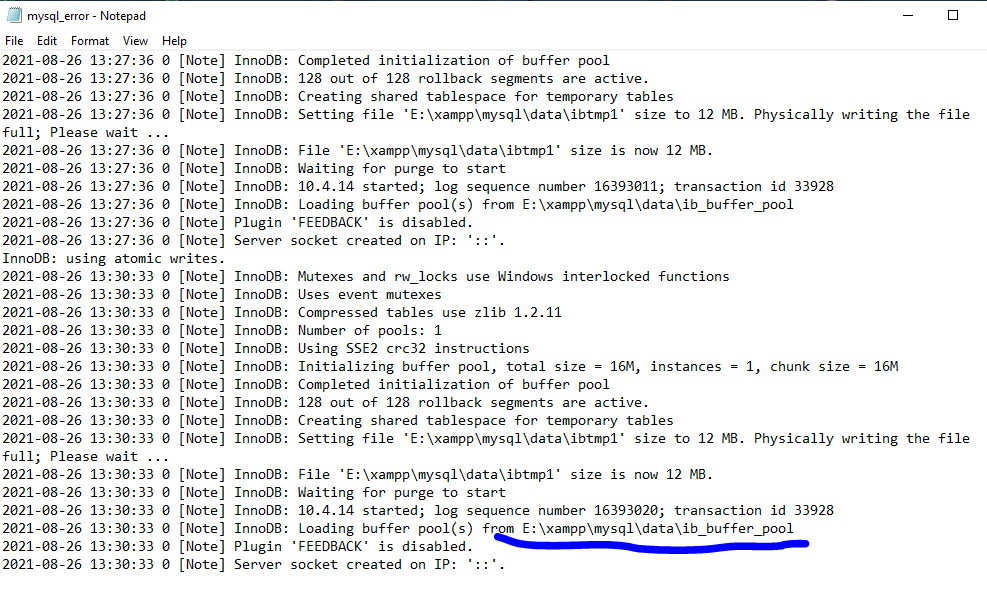
XAMPP - MySQL shutdown unexpectedly


SQLSTATE[HY000] [2002] No connection could be made because the target machine actively refused it.


STOP ! Please do NOT delete the ibdata1 file!

Deleting this file is like playing Russian roulette with your databases. It could work and establish everything, but also, probably could leave every database you have.

Instead, first try using the MySQL backup folder which is included with XAMPP. So do the next:

  1. Rename the folder mysql/data to mysql/data_old (you can use any name)

  2. Create a new folder mysql/data

  3. Copy the content that resides in mysql/backup to the new mysql/data folder

  4. Copy all your database folders that are in mysql/data_old to mysql/data (skipping the mysql, performance_schema, and phpmyadmin folders from data_old)

  5. Finally copy the ibdata1 file from mysql/data_old and replace it inside mysql/data folder

  6. Start MySQL from XAMPP control panel

And, voilĂ !


Wednesday, July 22, 2015

Remove Index.php From URL in CodeIgniter

How To Remove Index.php From CodeIgniter in Windows Xampp

Follow This Step
1. First check mod_rewrite is enabled or not
2. To check this create php file type in that


3. Run into browser
4. Search for the mod_rewrite if you will find that in loaded module then its enabled else you have to enabled this mod_rewrite
5. After that create .htaccess file in your root folder of codeigniter
6. Copy this below codeand paste into that .htaccess file


7. After that change into the config.php of codeigniter

$config['index_page'] = 'index.php';    
    to      
 $config['index_page'] = ' ';                 

8. Here you done now run the file with index.php using url http://localhost/ci/welcome


-----------------------------------------------------------------------------------------------
you would also like 

 Interview Question [PHP] 

How to create JSON using MySql Database [PHP]


Friday, April 24, 2015

Prevent accessing XAMPP, Wamp , any server localhost from another local PC by IP


use the commands given in image

1.   insert : $ su
2.   insert password: *******
3.                # cd/etc/apache2/
4.   now there is a file for edit in apache editing
5.   comment the "require all granted "
6    Add "Require ip 127.0.0.1"
7    restart apache 
8                              # sudo service apache2 restart


Happy coding :)

nobody can check your directory by your IP

How to Host a Laravel Project on Hostinger’s hPanel: A Step-by-Step Guide

How to Host a Laravel Project on Hostinger’s hPanel: A Step-by-Step Guide If you're looking to host a Laravel project on Hostinger’s hPa...